

Press your shortcut
Hold the key (or tap it to start and stop). Merry's companion shows it is listening.
Your AI companion that listens, remembers, and gets things done. Fully local.
Press a key, speak naturally, and Merry types polished text wherever your cursor is — email, chat, docs, code. Your words stay on your computer.

Typical averages; your speed will vary.
Hold the key (or tap it to start and stop). Merry's companion shows it is listening.
Pause, change your mind, mix languages. Say "press enter" to send, or "camel case user id" for code.
Merry transcribes, tidies and types it where your cursor is. Nothing to copy or paste.
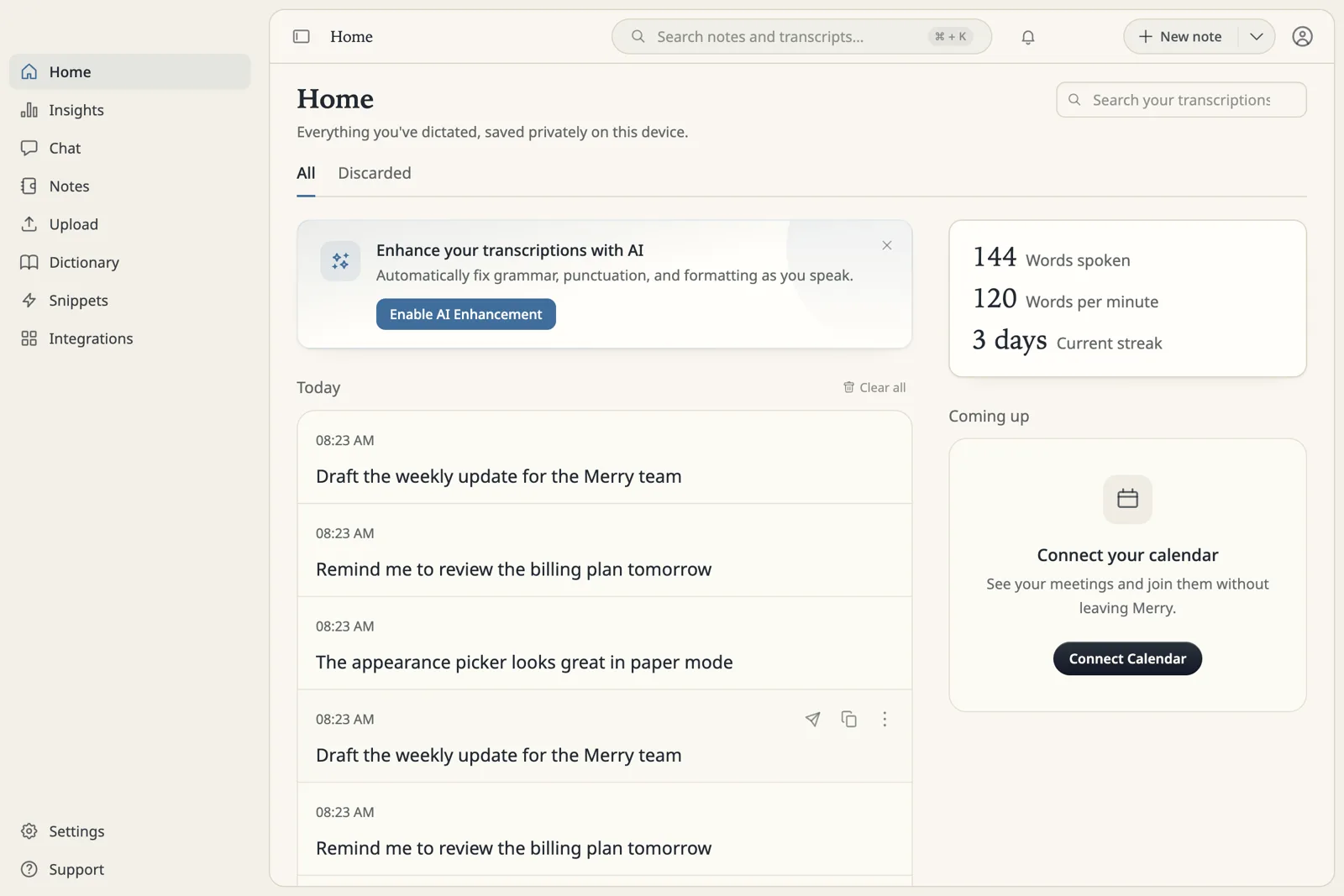
Dictation is the core. Around it, Merry keeps notes, captures meetings and answers when you ask.
A floating voice pill turns speech into text in the app you are already using, with optional AI cleanup.
Rewrite selected text, turn rough speech into replies or plans, and search your notes by voice.
Rich notes organised into spaces, with keyword and on-device semantic search.
Records your calls into searchable notes with speaker-aware transcripts.
Typed chat for everyday questions and note-aware work, with streamed answers.
Teach Merry your words, shortcuts and tone: transforms, dictionary, snippets, per-app styles and languages.
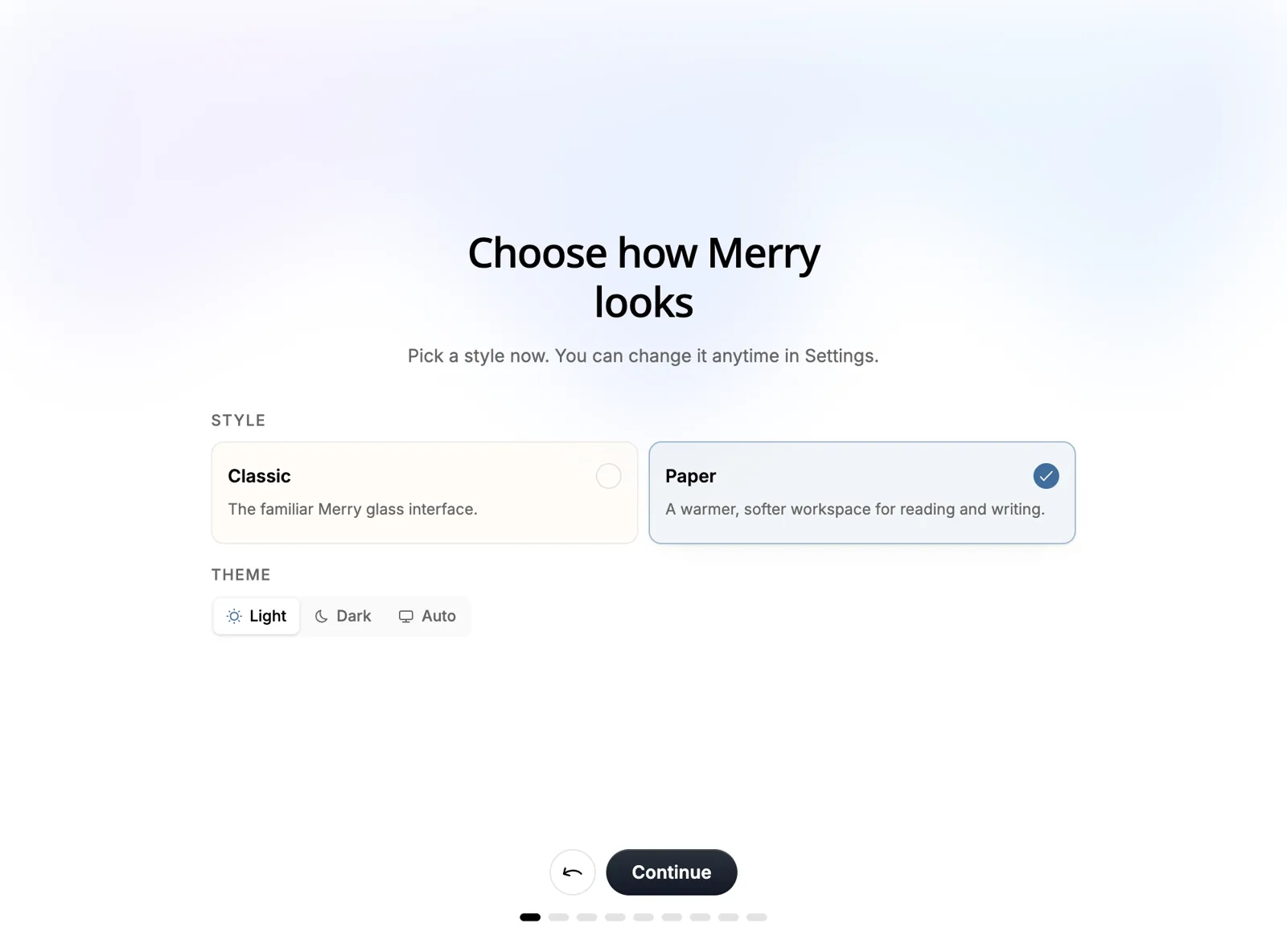
Screens from the current development build. Details may change before release.
Merry is built to work on your computer first. You decide what, if anything, leaves it.
Use on-device speech and AI models, your own server, or your own API key — your choice, per task.
One switch and nothing is kept: no history, no audio, no learning.
Export everything as plain files, or delete everything, any time.
Optional Touch ID lock keeps your history and notes private on a shared desk.
Merry marks its pastes as private so clipboard managers on Mac don't keep them.
For plan limits the server learns how many words you dictated — never what you said.
Merry turns what you say into clean, ready-to-send writing in every app — and keeps it on your computer. Coming soon to macOS, Windows and Linux.